A program licence puts every student and every faculty member in your department into one Keyframes workspace. Students own the films they make, and faculty see every production in the program without being added to each one.
$4,000a yearfor a program under 100 students. Everybody in it is included, faculty as well.
It's all built and in use today. Nothing on this page is a plan for later, and the things Keyframes doesn't do are named further down.
One place for the whole production
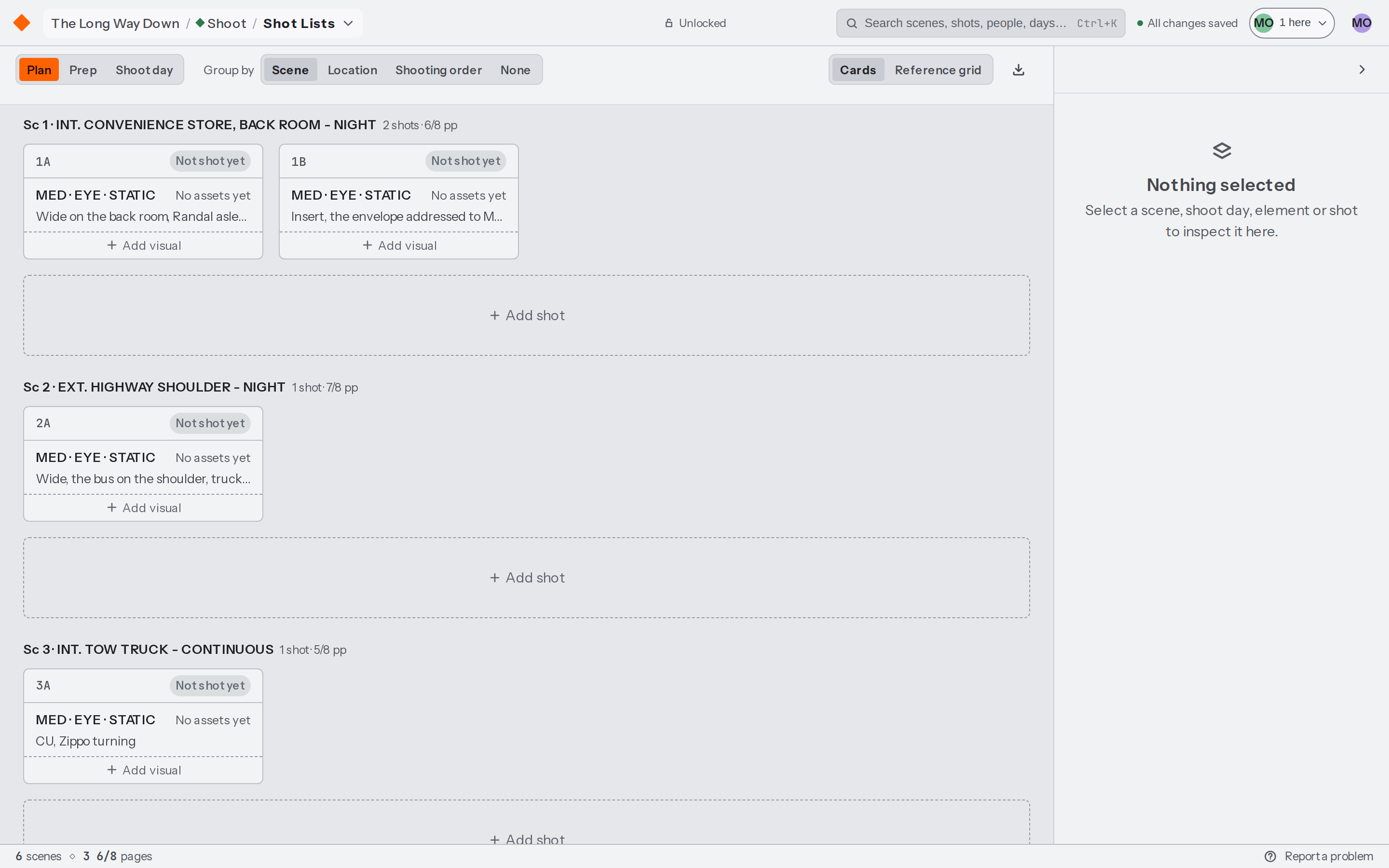
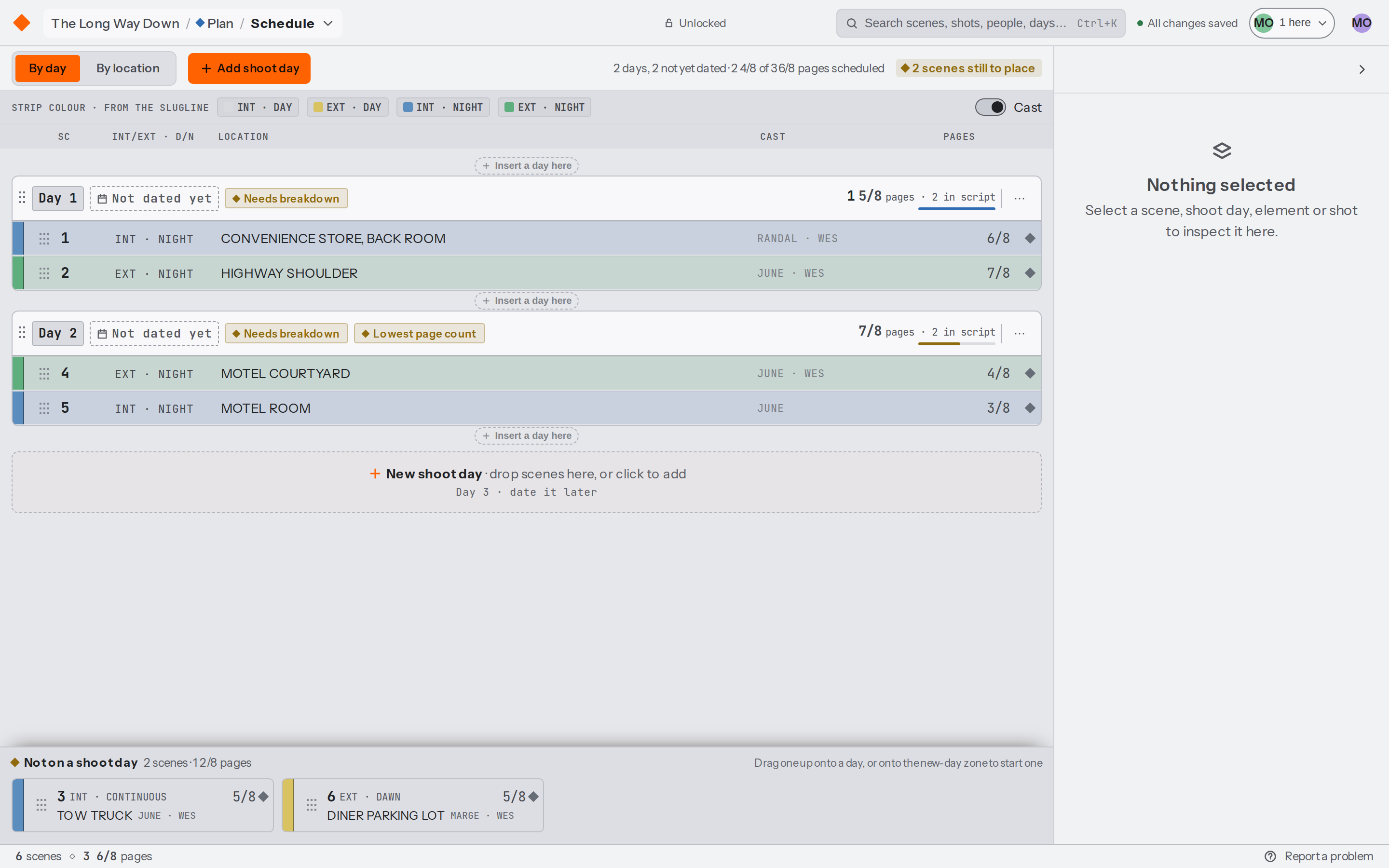
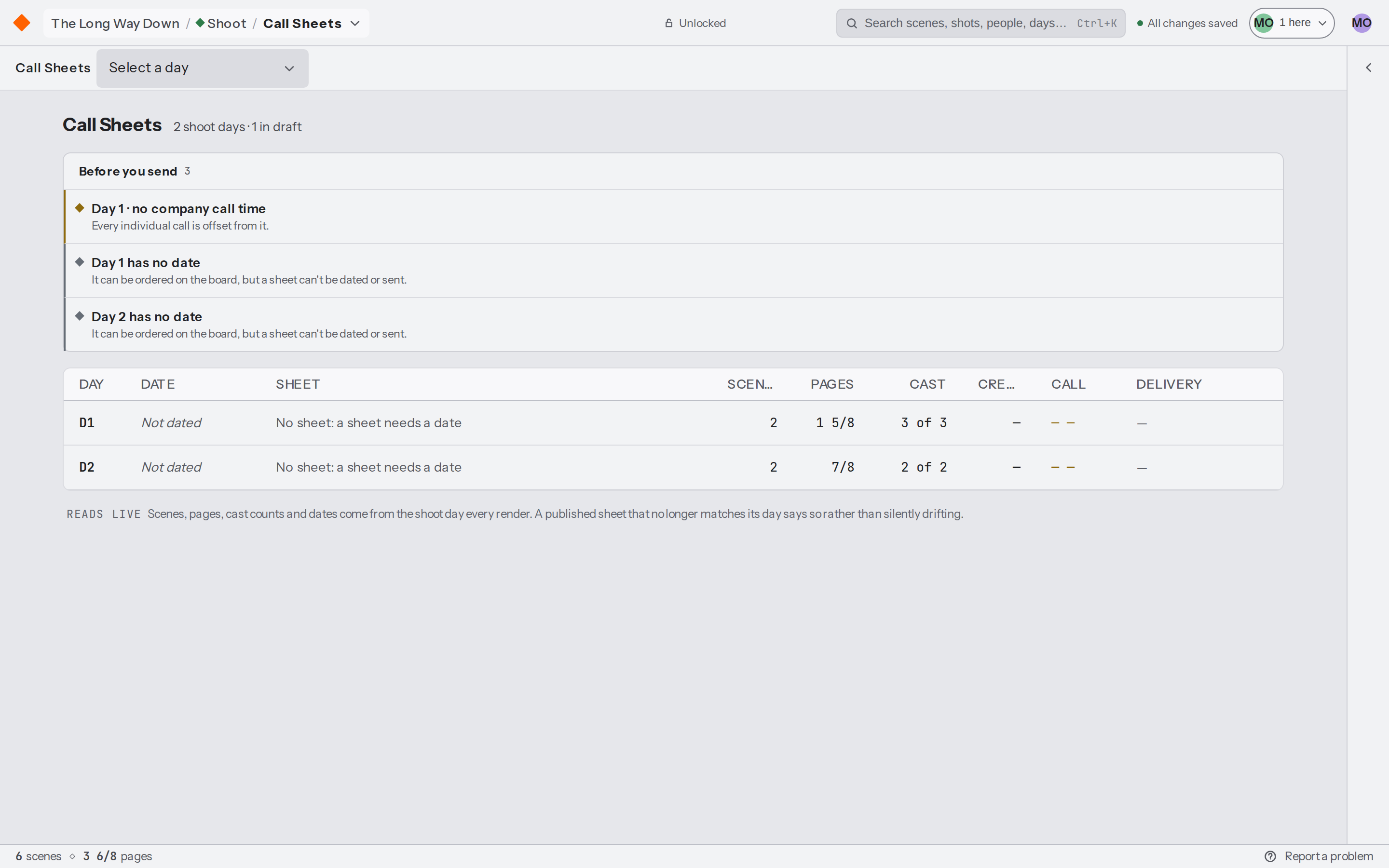
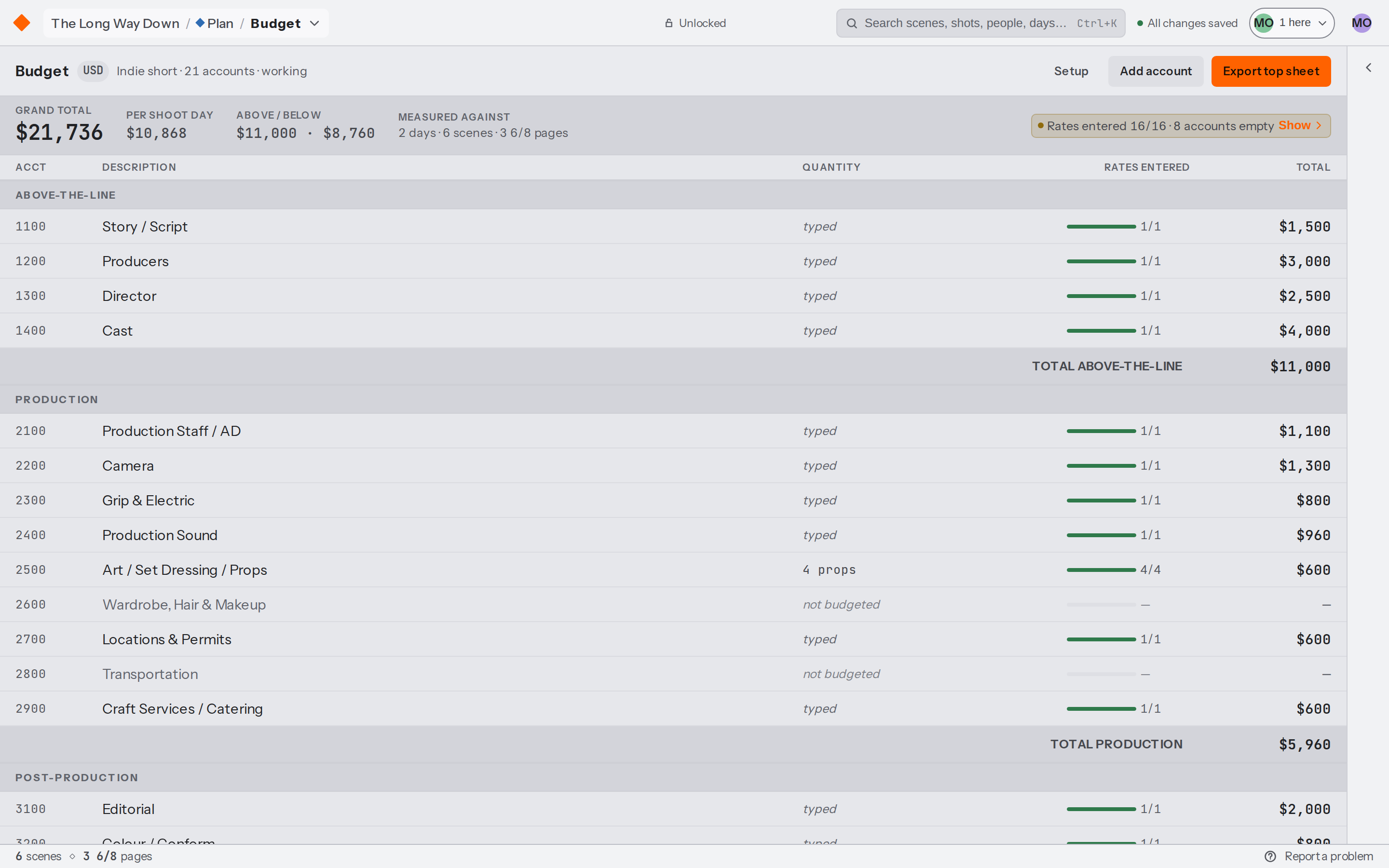
The screenplay, the breakdown, elements, locations, mood boards, the schedule, call sheets, cast and crew, the budget and shot lists all sit in one production. Tag a prop in the pages and it's in the element catalogue, waiting on a budget line, and on the day it shoots.
Everybody in it at the same time
A whole crew can work in the same production at once. Two students can write the same scene and watch each other's carets while they do it, and everywhere else in the app a record somebody is working in is ringed in their colour with their name on it.
The student owns the film
Whoever creates a production is its Owner and holds every permission on it, so the work belongs to the student who made it from the first page onward. Faculty reach it as administrators of the program's workspace.
Instructors see the whole cohort
An owner or admin of the program's workspace opens every production in it and sees all of them on one dashboard. Nobody has to be invited film by film, and nobody's chasing access the night before a deadline.
A record of who changed what
An audit log runs across the whole program with 1 year of history behind it, filterable and exportable as CSV. Every production also carries its own activity panel, so a change can be read back and undone where it happened.
Work a student can hand in and take away
Every module exports as a PDF, from the script and the breakdown through the schedule and the budget to the call sheets your crew gets. A whole production also comes out as a bundle carrying the script as Fountain and a JSON file of every record in it, and a student can download that at any point up to the week they graduate.
Onboarding that doesn't cost you a class
The first time somebody signs in there's a short tour on a demo production, and there are help articles with real screenshots for every module, plus a help chat that answers out of them. A first class can go straight to the work.
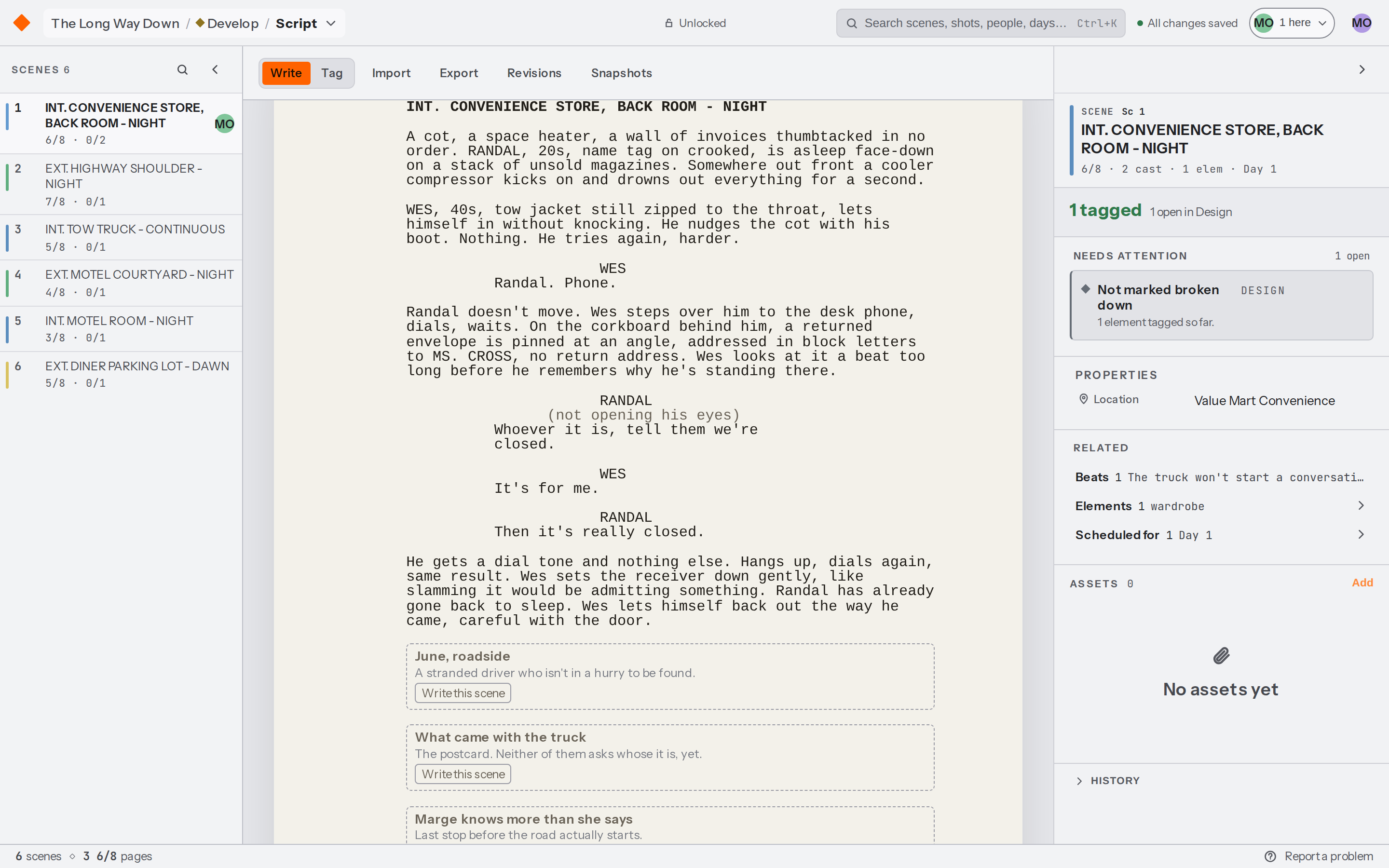
Two people writing the same scene in the Script module, each caret carrying the name of whoever is holding it, with everyone currently in the production listed along the top bar.
What a licence costs
One fee covers the whole department for a year. Which fee depends on how big the program is. Past 300 students we scope the licence to the program and quote it, so the number below is where that conversation starts.
Program sizePer year
Up to 99 students$4,000
100 to 299 students$8,500
300 students or moreStarting at $15,000
Everybody in the program is included, faculty as well as students. There's no seat to run out of and nothing to provision.
You tell us the program's enrollment when you sign up and that sets the price for the year. We don't meter who signs in, so a class growing mid-semester costs you nothing.
It's invoiced annually.
A semester pilot is available if you'd like to put one cohort through it before the department commits, and a trial for a pilot is arranged by email.
What the licence includes
Every module, for everybody in the program.
ScriptBreakdownShotsScheduleCall sheetsBudget
Seats
Unlimited
Active productions
Unlimited
Key requests
2000 a month
Storage
500 GB
PDF branding
Unbranded
Audit log
1 year
Key is the assistant and its monthly requests are pooled across the whole program. It stays off until somebody turns it on, it only ever proposes a change, and anything applied goes through the same permission check as a change somebody typed.
How students join
Claim the program's email domain and anybody who signs in with an address on it lands in your workspace as a member, with no invitation to send and no code to pass around. A claim on the apex domain covers its subdomains, so an address at film.example.edu is covered by a claim on example.edu.
You can prove the claim by adding a DNS TXT record, or by having an administrator whose own verified sign-in address is on that domain confirm it, which is usually the faster of the two.
If you'd rather work from a list, a professor can paste a roster of addresses into the workspace settings and each one becomes a member the first time that person signs in. A roster row sends nothing by default, so a class of sixty doesn't turn into sixty emails at nine in the morning.
Students sign in with a magic link sent to their address, or with the Continue with Microsoft button.
What faculty see
An owner or admin of the program's workspace opens every production in it, so an instructor can read any student's script, breakdown or schedule without being added to their film.
Inside a production, roles are rows you can edit, so an Instructor role that reads everything and changes nothing is a settings action rather than a request to us.
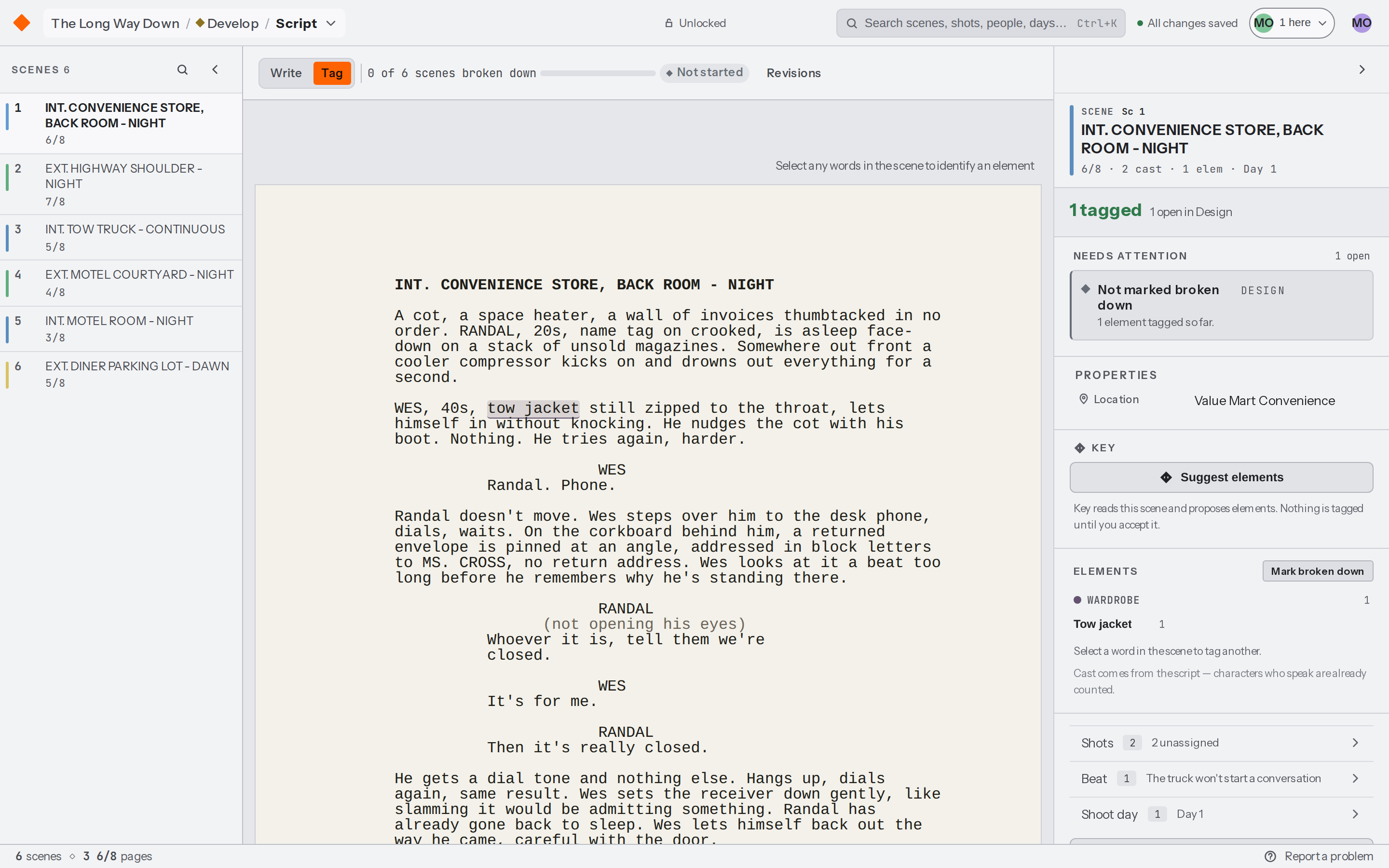
Tagging a scene in the Breakdown module. Every tag becomes a row an instructor can read from the element catalogue without opening the script, which is what makes a whole cohort's work reviewable.
What happens at the end of term
Nothing is deleted at the end of a term. A production stays where it is with its history intact, and a student can download the full bundle of their film whenever they want it.
If a licence lapses, the program's productions stay readable and exportable and they stop taking edits, so nobody loses a film over a renewal date. Everything starts writing again the day the licence is back.
Sign-in and IT
Continue with Microsoft signs students in against your Entra ID tenant. Keyframes is registered as a multi-tenant application, so depending on how your tenant is configured an administrator may need to approve it once before students can use the button. Magic links keep working the whole time, so a pilot never waits on that approval.
There's no Canvas integration today and no automated provisioning from a student information system. People arrive by domain or by roster and they're removed by hand, and there's no per-scene commenting for marking work, so feedback still happens where it happens now.
Talk to us about a licence
Tell us how big the program is and when your term starts, and we'll come back with a licence or a pilot that fits it.